Buyer's guide
Virtual Guarding: A Buyer's Guide
What virtual guarding is, how it differs from alarm monitoring and on-site guards, where it fits, and what to put in the contract before you sign.
By Security Operations Review Editors · Updated
Virtual guarding (also sold as remote guarding, a virtual security guard or proactive video monitoring) means a person at a remote monitoring center watches your cameras live and acts while something is happening: they speak through a loudspeaker on site, switch on lights or a siren, call the police with a description of what they see, and notify your contacts.
The term is a sales category, not a standard. Two vendors can both say "virtual guarding" and deliver very different things: one with an operator looking at every event within seconds, another with alerts waiting in a shared queue behind hundreds of other sites. This guide covers what to compare, what to put in writing and where to check a vendor's claims.
How virtual guarding works
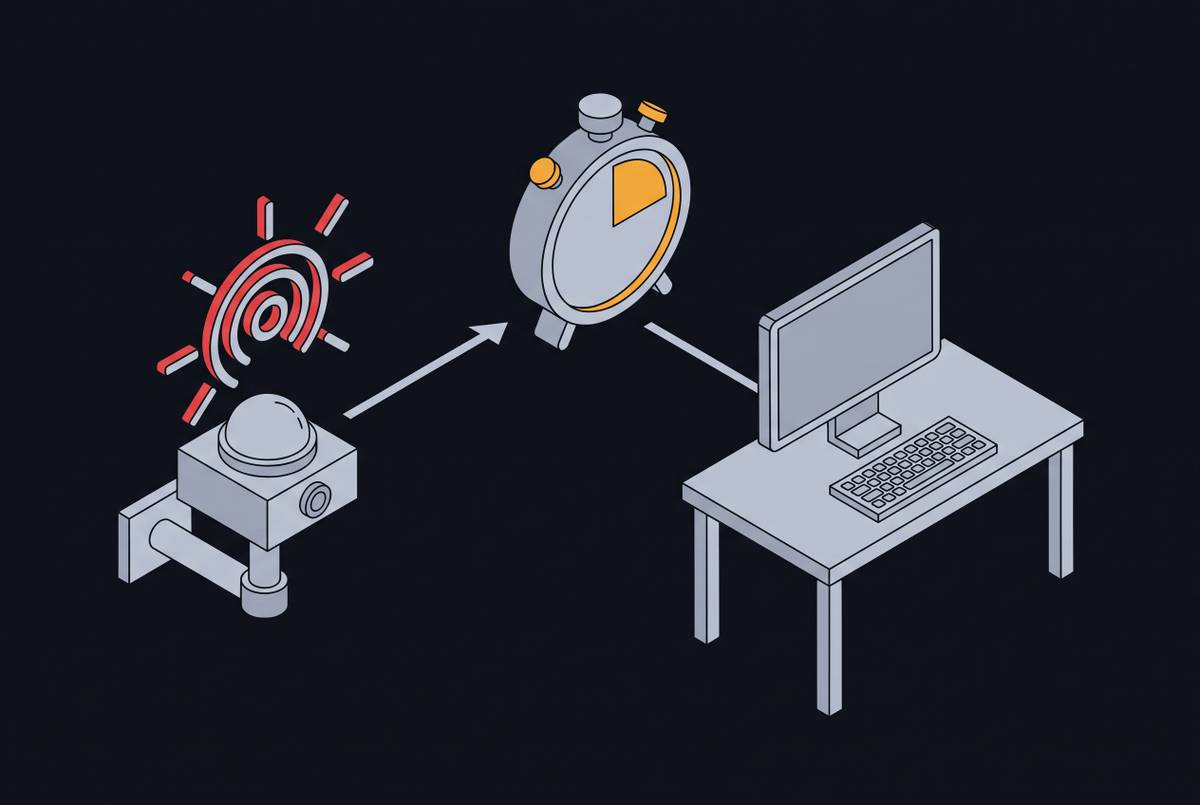
Most services follow the same chain. Cameras on site (yours or the vendor's) run video analytics that flag a person or vehicle in an area during hours when nobody should be there. The clip goes to a monitoring center, where software and then an operator decide whether it is a real threat or noise such as wind, animals, headlights or an expected delivery. If it is real, the operator follows the response protocol written for your site.
Where vendors differ is in the middle of that chain: how alerts are filtered before a person sees them, how many sites each operator covers, and what happens to the queue when alert volume spikes. Those details decide how fast someone actually looks at your camera, and they rarely appear in the brochure. See why staffing models break down when alert volume spikes and what alarm response time actually measures.
- Detection: analytics flag motion, people or vehicles in defined zones and hours.
- Triage: software and operators sort real threats from routine activity.
- Intervention: a live talk-down, lights or siren, while the person is still on site.
- Escalation: a call to police or private patrol, then your named contacts.
- Record: an incident report with the clips, times and actions taken.
Virtual guarding vs alarm monitoring vs on-site guards
Virtual guarding sits between recorded CCTV, which only helps after the fact, and a guard on site. It is often bought to cover the hours a guard would otherwise sit watching screens, or to put eyes on sites that never had a guard. See how large freight facilities redeploy guard hours.
| Virtual guarding | Traditional alarm monitoring | On-site guard | |
|---|---|---|---|
| Who watches | Remote operators watching live video | Central station operators receiving panel signals, often with no video | A guard on the property |
| When it acts | During the event, once an operator sees it | After a sensor trips; a call list is worked | When the guard sees or hears something on rounds or at a post |
| What it can do | Talk-down, lights, siren, verified police call, notify contacts | Call keyholders and request dispatch | Challenge people in person, control gates, physically respond |
| What it cannot do | Touch anything on site; it relies on deterrence and responders | See what caused the alarm, unless video is added | See every camera and area at once |
| What the price usually depends on | Cameras covered, hours of coverage, event volume and overage terms | Monitoring plan and false alarm fees | Hours staffed and the guard company's rate |
Where virtual guarding fits, and where it does not
It works best on sites with clear hours when nobody should be there and an open view of the areas that matter. Each of these has its own after-hours guide on this site:
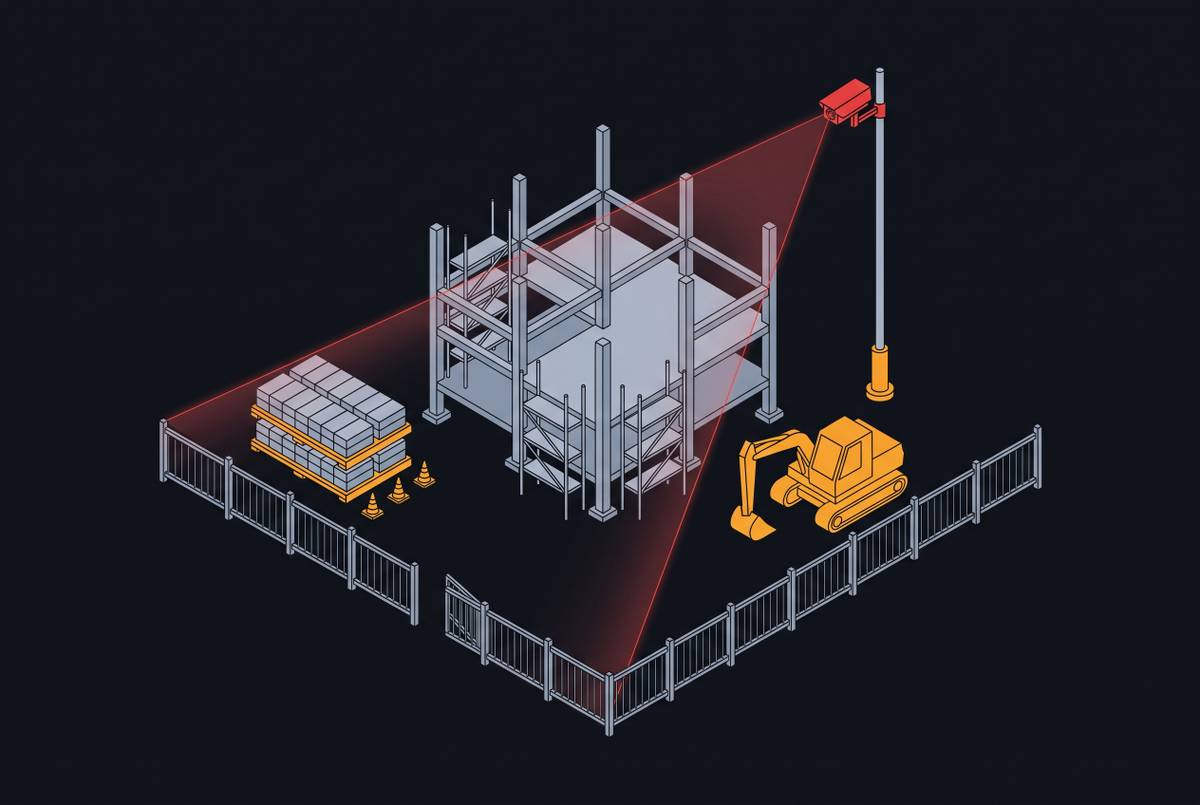
- Construction sites after hours: equipment, copper and materials on an open perimeter.
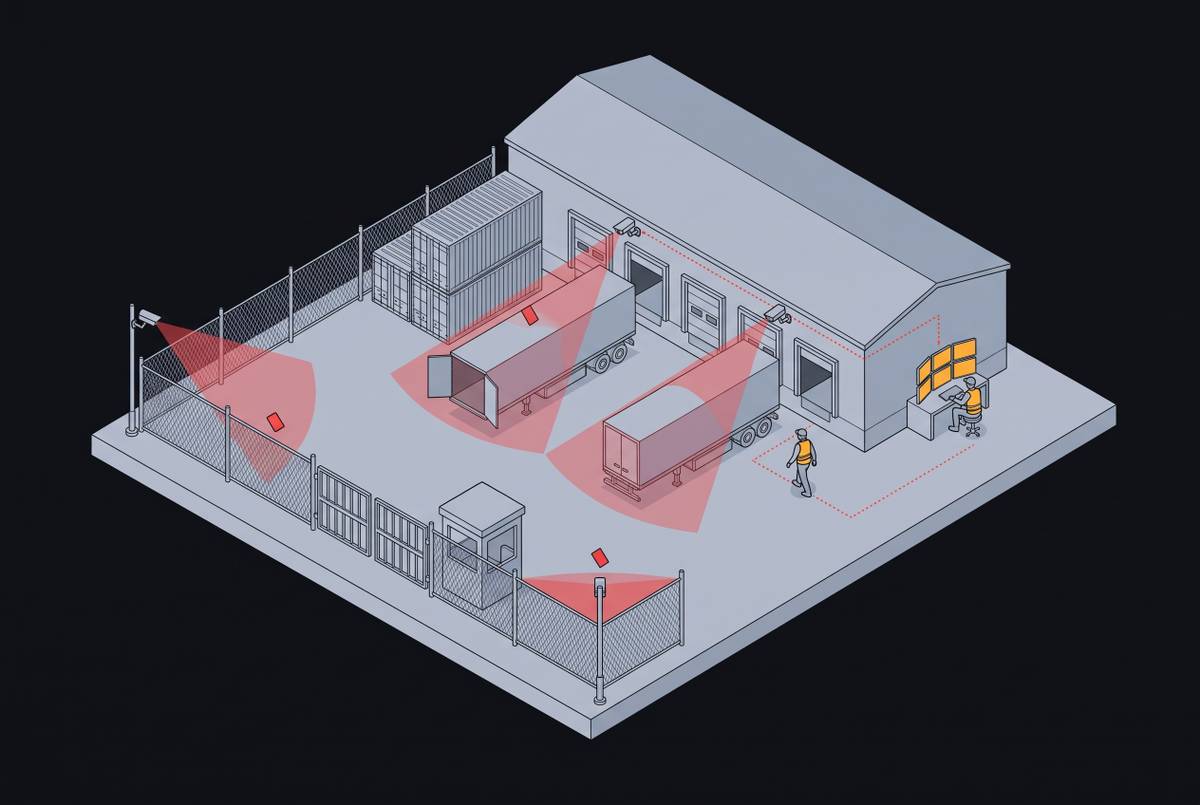
- Truck yards and freight facilities overnight: trailers, cargo and fuel across large lots.
- Vacant commercial property during lease-up: break-ins and squatting that compound unseen.
- Retail strip centers: rear doors, loading areas and dumpster enclosures after close.
- Multifamily parking and employee parking lots: vehicle break-ins in places people still use at night.
The limits to plan around
- Nobody on site. If a person ignores the talk-down, the outcome depends on how fast police or a patrol arrive. A virtual guard cannot detain anyone or close a gate by hand.
- Police priority varies. Many departments give video-verified alarms higher priority than unverified ones, but policies differ by city. See verified vs unverified alarm dispatch policies.
- Busy sites are harder. Where people legitimately come and go all night, coverage only works if the vendor writes site-specific rules for who and what is expected.
- Noisy cameras get muted. When a camera produces too many false alerts, some centers silence it, and the contract may not require them to tell you. See muted camera zones and the liability gap.
- It depends on the network. If a camera loses power or its connection, nobody is watching it. Ask how outages are detected and how quickly you are told.
What to put in the contract
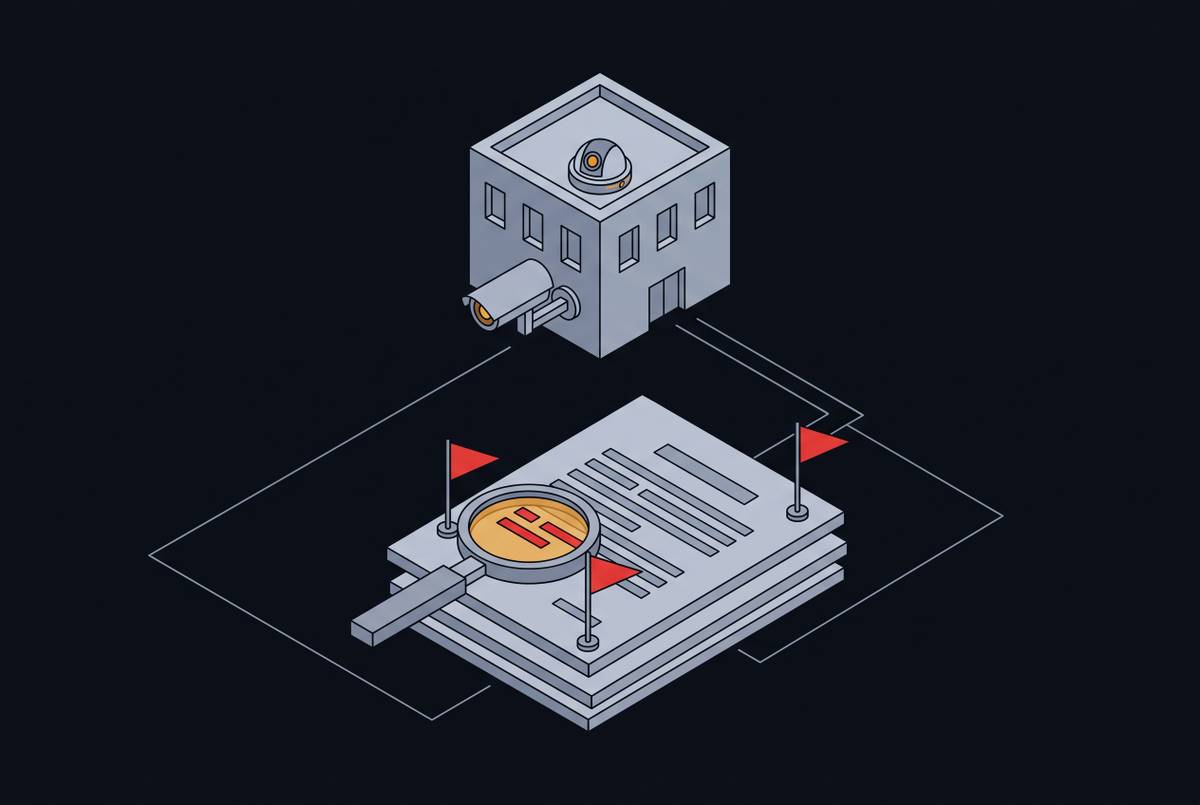
Sales materials describe the service; the contract decides what you can enforce. Before you sign, make sure each of these is written down, not just promised. For the wording, see how to write response time requirements into a monitoring contract and contract red flags for commercial properties.
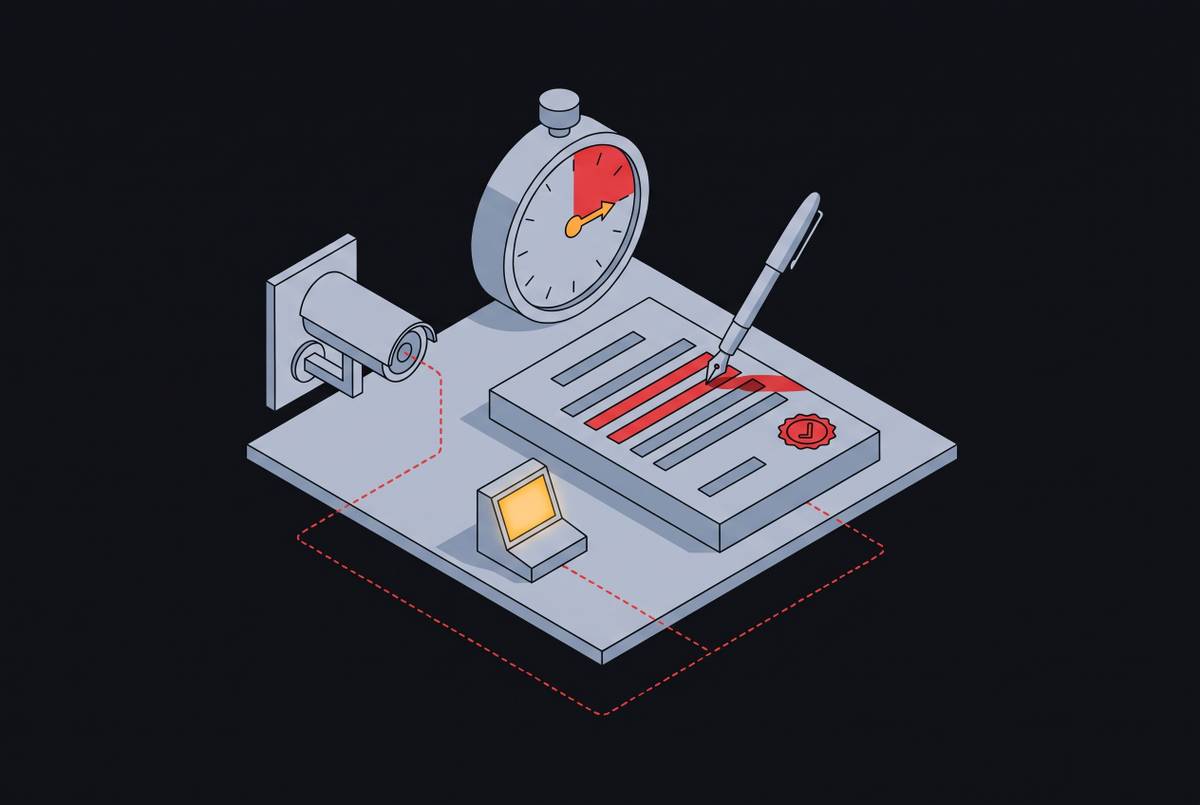
- A response clock with a defined start and end: from the moment the camera detects activity to the moment an operator acts, not just to when an alert is assigned.
- What happens to your alerts when the center is busy, and any cap on how long one can wait in the queue.
- What the vendor filters out before a person sees it, and a rule that no camera or zone is muted without telling you.
- Your site's response protocol: hours, zones, who is expected, when to talk down and when to call police, and who to call next.
- Every fee beyond the base rate: overage charges for event volume, false alarm pass-throughs and equipment terms. See alarm overage fees and hidden costs in long-term contracts.
- Incident reports: what each one includes, how fast you get it and how long clips are kept.
- Your right to audit performance against the contract, and how you can leave if it is not met.
Questions to ask a virtual guarding vendor
Ask every vendor on your shortlist the same questions, in writing, and compare the answers side by side. Monitoring vendor references and performance audit questions has more.
- From detection to an operator looking at my camera, how long does it take, and how do you measure it? Many response-time figures start when an alert is assigned, not when it was triggered, and leave out the queue.
- How many sites and cameras does one operator cover on an overnight shift? This decides how long your alert waits on a busy night. See operator-to-camera ratio benchmarks.
- What happens when alert volume spikes across all your customers at once? Storms, holidays and shift changes all hit the same queue. See how centers handle peak alarm volume surges.
- What does your software dismiss before a person sees it, and can I see what was dismissed? Filtering is what keeps operators from drowning, but anything it drops is never reviewed. See what alarm threshold filtering removes.
- Will you ever mute or ignore one of my cameras, and will you tell me when you do? A muted camera looks covered on the invoice and is not covered on the night.
- Where are your operators, and how are they trained on my site? Location matters less than training and workload. See offshore operator quality and coverage tradeoffs.
- Can I see sample incident reports and talk to customers with sites like mine? A reference with the same kind of site is worth more than a general one.
- Which certifications does your monitoring center hold, and can I see the listing? Certifications confirm a baseline, not performance under load. See vendor certifications that actually matter.
Where to check what a vendor tells you
This guide lists no prices or ratings: they change by site, camera count and hours, so get written quotes from several vendors for the same scope. These are the places to check the claims that can be checked.
- Whether the monitoring center is UL-listed: UL's Product iQ directory. UL 827 covers central-station alarm services and UL 827B covers managed video monitoring services; ask for the center's listing and look it up yourself.
- Industry certifications and alarm standards: The Monitoring Association (tma.us): its Five Diamond designation for monitoring centers, and the ANSI/TMA-AVS-01 alarm validation scoring standard, which defines how a center tells dispatch what it has confirmed.
- How police will respond to a call from the vendor: Your local police department's alarm or verified response policy, and your city or county false alarm ordinance, including any permit and fines.
- Whether the vendor needs a license where you are: Your state's licensing board for alarm and security companies; requirements differ by state.
- Whether it changes your coverage or premium: Your insurer or broker, before you sign, with the vendor's service description in hand.